
Mobile devices have changed how people access information, communicate, work, and learn. Students and employees no longer need to sit at a desktop computer to complete a lesson or training course. They can learn through smartphones and tablets while traveling, during breaks, or from the comfort of their homes. This shift has increased the demand for flexible mobile learning solutions.
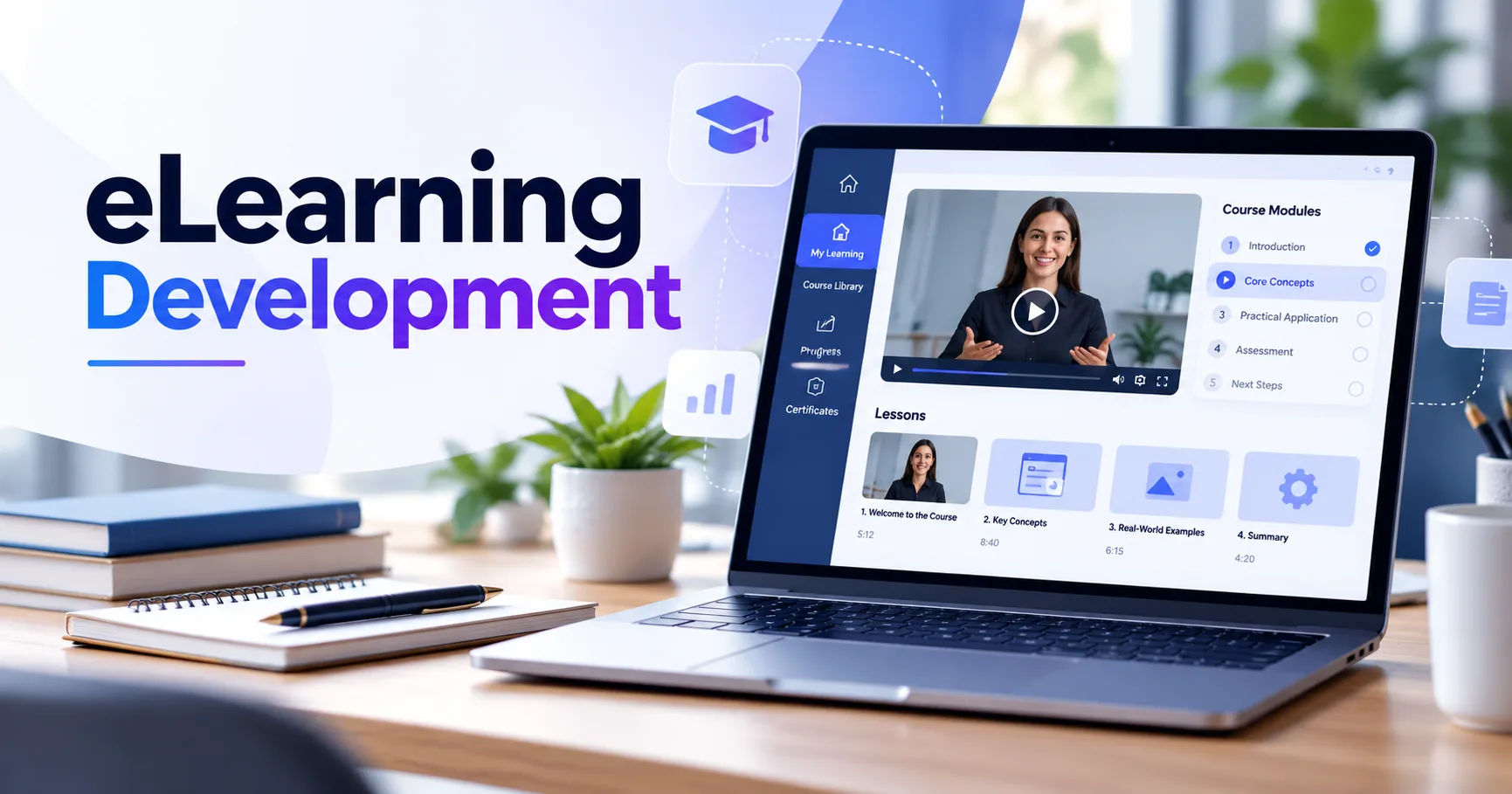
A custom eLearning development company can build mobile learning applications and platforms designed around the specific needs of an organization. Instead of offering a standard course platform with limited options, a custom development team can create features, interfaces, assessments, and learning experiences specifically for a target audience.
The goal is not simply to move an existing desktop course onto a smaller screen. Effective mobile learning requires thoughtful design, responsive technology, accessible content, strong security, and a user experience that works well on different devices.
What Is Mobile eLearning?
Mobile eLearning refers to educational or training content that learners can access through mobile devices such as smartphones and tablets. It can include online courses, videos, quizzes, interactive activities, assessments, simulations, and digital learning resources.
Mobile learning can be delivered through a mobile application, a responsive website, or both. The best approach depends on the organization's goals, audience, budget, content, and technical requirements.
For example, a company training its employees may provide short lessons through an app. A school may use a mobile-friendly learning portal where students can watch lectures and complete assignments. A professional training provider may offer a combination of videos, quizzes, certificates, and progress tracking.
Can a Custom eLearning Development Company Build a Mobile App?
Yes. A custom eLearning development company can develop mobile learning applications for Android, iOS, or both platforms.
The development process usually begins by understanding the organization's learning goals. Developers and instructional designers then determine what features are needed and how learners will interact with the platform.
A mobile eLearning application can include features such as:
-
User registration and profiles
-
Course catalogs
-
Video lessons
-
Audio learning materials
-
Interactive quizzes
-
Assignments
-
Progress tracking
-
Certificates
-
Push notifications
-
Discussion features
-
Instructor dashboards
-
Performance reports
-
Gamification
-
Offline learning
The exact features depend on the project. A simple educational app may need only courses, quizzes, and progress tracking, while a corporate training platform may require advanced administration and reporting tools.
Why Build a Custom Mobile Learning Solution?
One major advantage of custom development is flexibility. Organizations have different learners, teaching methods, business processes, and technical requirements.
A ready-made learning platform may provide useful features, but it may not support every requirement. Custom development allows an organization to build the solution around its own learning strategy.
Personalized User Experience
A custom application can be designed specifically for its target audience.
For example, an application for younger learners may use simple navigation, visual elements, animations, and interactive activities. A professional training application may use a more formal interface with dashboards, reports, certificates, and competency tracking.
The interface can be designed around the learners instead of forcing learners to adapt to a generic platform.
Better Control Over Features
Custom development provides greater control over functionality.
An organization can decide which features should be included, how users move through courses, what information administrators can access, and how assessments work.
This can be particularly useful when standard learning management systems cannot support a unique training process.
Integration With Existing Systems
Many organizations already use other digital systems. A mobile learning platform may need to communicate with an existing learning management system, customer relationship management system, human resources platform, payment gateway, or authentication service.
A custom eLearning development company can build integrations based on the organization's technical environment.
This allows information to move between systems more efficiently and can reduce repetitive administrative work.
Important Features of a Mobile eLearning App
A successful mobile learning application needs more than attractive screens. It should provide practical tools that make learning convenient and measurable.
Responsive and Mobile-Friendly Design
The application should work well across different screen sizes.
Buttons need to be easy to tap. Text should remain readable without excessive zooming. Videos should fit the screen properly, and navigation should remain simple.
The design should also consider how people hold and use their phones.
Video and Audio Learning
Video is widely used in digital education because it can explain complex concepts through demonstrations, narration, animation, and visual examples.
A mobile application can provide recorded lectures, tutorials, demonstrations, interviews, or short instructional videos.
Audio content can also be useful for learners who want to study while commuting or performing other low-attention activities.
Interactive Quizzes
Quizzes help learners check their understanding.
A mobile platform can support multiple-choice questions, true-or-false questions, matching activities, scenario-based questions, and other assessment formats.
Immediate feedback can help learners understand mistakes and reinforce important concepts.
Progress Tracking
Learners benefit from knowing how much of a course they have completed.
Progress indicators can show completed lessons, remaining activities, assessment results, and certificates earned.
Administrators can also use progress information to identify learners who may need additional support.
Push Notifications
Notifications can remind users about unfinished lessons, upcoming assessments, new courses, or important training deadlines.
However, notifications should be used carefully. Too many alerts can become distracting and may cause users to disable notifications.
Offline Learning
Offline functionality can be valuable when learners have unreliable internet access.
Selected lessons can be downloaded to the device so users can continue studying without an active connection. When the device reconnects, the application can synchronize relevant progress with the main platform.
This feature requires careful planning because downloaded content must be protected and synchronization must be handled correctly.
The Role of Instructional Design
Technology alone does not guarantee effective learning.
A well-built application still needs high-quality educational content. Instructional design determines how information is organized and presented to learners.
A development team may work with instructional designers to divide large topics into smaller lessons. This approach can make mobile learning easier because users often prefer shorter learning sessions.
Microlearning
Microlearning divides educational content into small, focused learning units.
For example, instead of requiring learners to complete a 60-minute lesson, an organization could create several five- to ten-minute modules.
This format can work particularly well on mobile devices because learners can complete short activities during available moments throughout the day.
Scenario-Based Learning
Scenario-based learning presents realistic situations and asks learners to make decisions.
For example, a customer service training application could present a difficult customer interaction and ask the learner how they would respond.
This approach can connect theoretical knowledge with practical situations.
How the Development Process Works
Creating a mobile learning application involves several stages.
Step 1: Requirement Analysis
The first stage is understanding the organization's objectives.
The development team identifies the target learners, types of content, required platforms, integrations, security requirements, and expected outcomes.
Clear requirements help prevent unnecessary features and reduce development problems later.
Step 2: Planning the Learning Experience
The team determines how learners will move through the application.
Course structures, assessments, navigation, feedback, notifications, and progress tracking are planned at this stage.
The learning experience should remain simple and logical.
Step 3: UI and UX Design
Designers create the visual interface and user experience.
They consider typography, navigation, buttons, colors, layouts, accessibility, and device sizes.
Prototypes may be created before development begins so stakeholders can review the planned experience.
Step 4: Application Development
Developers then build the application and its supporting systems.
Depending on the project, the application may be developed separately for Android and iOS or through a cross-platform technology.
The backend manages information such as user accounts, course data, assessment results, and progress.
Step 5: Testing
Testing is an important stage of development.
The application should be tested on different devices and operating systems. Developers should check navigation, video playback, quizzes, notifications, login systems, synchronization, and security.
Testing should also consider slow internet connections and different screen sizes.
Step 6: Launch and Maintenance
After testing, the application can be released.
However, development does not necessarily end after launch. Mobile operating systems change, security threats evolve, and users may request new features.
Regular maintenance helps keep the platform reliable and compatible.
Security Considerations
Learning platforms often store personal information and educational records. Corporate systems may also contain sensitive employee information.
Therefore, security should be considered from the beginning.
A development team may implement secure authentication, encrypted communication, appropriate access controls, secure databases, and regular security updates.
Administrators should only receive access to information necessary for their responsibilities.
Accessibility in Mobile Learning
Mobile learning should be accessible to as many learners as possible.
Accessibility can include readable text, suitable color contrast, captions for videos, descriptive labels, keyboard or assistive technology support where applicable, and clear navigation.
An accessible platform can benefit all learners, not only users with disabilities.
How Mobile eLearning Can Benefit Organizations
A mobile learning platform can make training more flexible.
Employees can access training without always being tied to a specific computer or classroom. Organizations can also distribute updated learning materials more efficiently.
For educational institutions, mobile access can provide students with another way to review lessons, complete assessments, and communicate with instructors.
For professional education providers, mobile applications can create additional opportunities to deliver courses and manage learners.
Challenges to Consider
Custom mobile development also has challenges.
One challenge is cost. Building a specialized application generally requires more planning and development work than simply subscribing to an existing platform.
Another challenge is content creation. An organization needs well-structured educational materials to make the application useful.
Device compatibility is another consideration. Developers must account for different screen sizes, operating system versions, performance levels, and internet conditions.
Maintenance also needs to be included in the long-term plan.
How to Choose a Development Company
Organizations should examine a development company's experience before starting a project.
Relevant experience in eLearning and mobile application development can help the team understand both technology and learning requirements.
It is also useful to review previous projects, development processes, communication methods, testing procedures, security practices, and post-launch support.
The organization should clearly define its goals before requesting proposals. This makes it easier to compare proposed solutions based on features, timeline, technology, maintenance, and overall project requirements.
Custom Development vs. Ready-Made Platforms
Ready-made platforms can be useful when an organization needs a learning system quickly and its requirements are relatively standard.
Custom development becomes more relevant when an organization requires specialized workflows, unique branding, complex integrations, unusual assessment methods, or complete control over the learning experience.
Neither approach is automatically suitable for every organization. The decision should be based on the project's requirements, available resources, technical environment, and long-term plans.
Future of Mobile eLearning
Mobile learning continues to develop as smartphones become more capable and digital education becomes more common.
Artificial intelligence can support personalized recommendations, automated feedback, content assistance, and learning analytics. Gamification can make certain learning activities more interactive.
Augmented and virtual reality may also provide immersive training experiences for fields where practical simulation is valuable.
These technologies should be introduced because they support a specific learning objective, rather than simply because they are new.
Conclusion
A custom eLearning development company can build sophisticated mobile learning solutions for schools, universities, corporations, training providers, and other organizations. These solutions can range from simple mobile-friendly learning portals to complete Android and iOS applications with video lessons, quizzes, progress tracking, certificates, notifications, analytics, and offline access.
The most important factor is not simply creating an application. The technology needs to support a clear educational purpose. Content, instructional design, user experience, accessibility, security, and technical performance all contribute to the final learning experience.
Organizations considering mobile eLearning should begin by identifying their learners and goals. From there, they can determine which features are actually necessary and choose a development approach that fits their technical and educational requirements.
With thoughtful planning, testing, and ongoing maintenance, a custom mobile learning platform can provide learners with convenient access to education while giving organizations greater control over how training is delivered, measured, and improved.